JetBrains matches VS Code identity
Keywords and strings export without operator or regexp stealing the color. Translucent selections composite onto the editor background. Marketplace listing copy is shorter and complete in the first 150 characters.
One adaptive theme system for VS Code, Cursor, Windsurf and vscode.dev — 27 WCAG-verified variants, theme gallery, workspace fingerprint, and day/night auto switch. Built for teams who need readable code on long sessions.
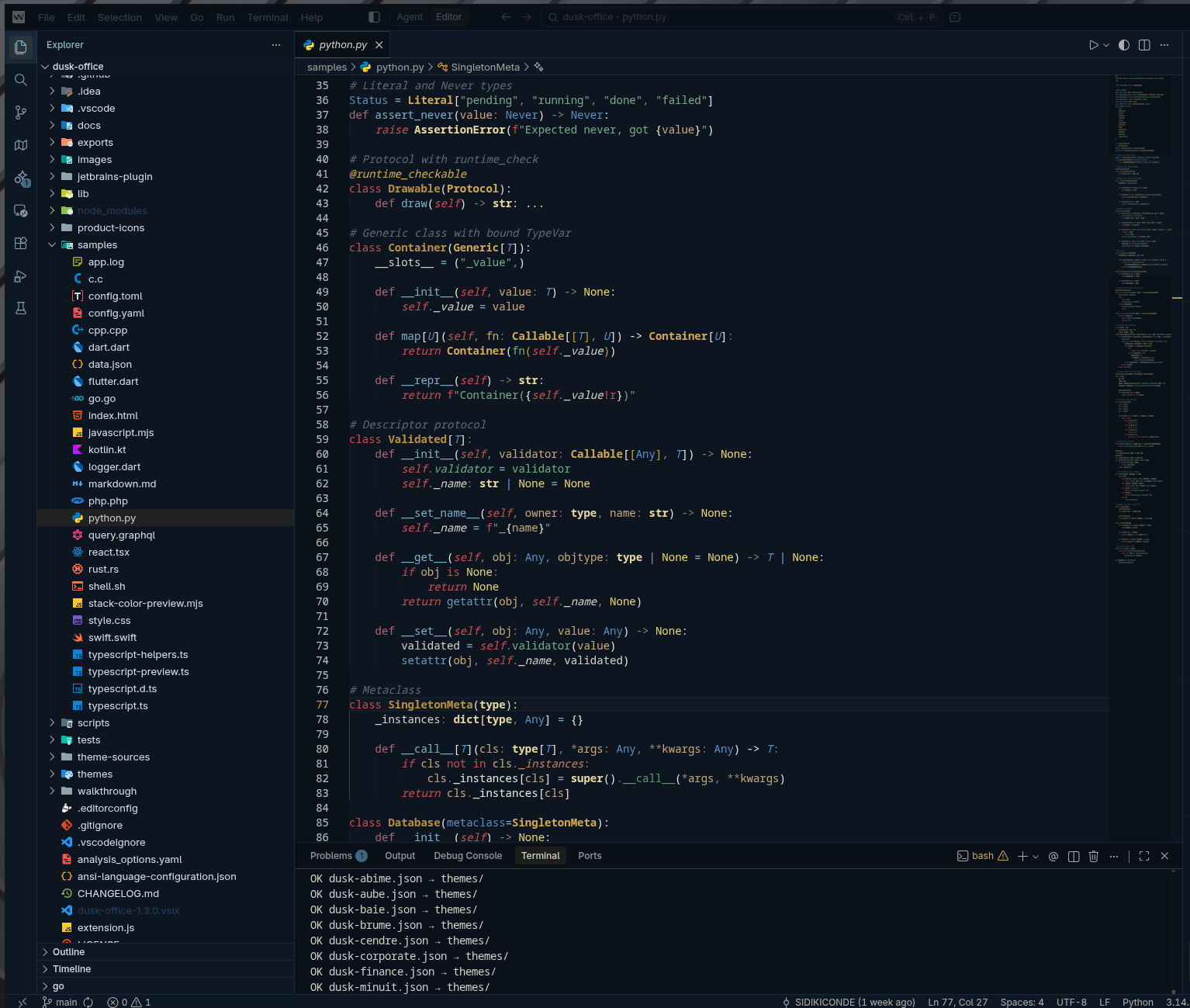
Keywords and strings export without operator or regexp stealing the color. Translucent selections composite onto the editor background. Marketplace listing copy is shorter and complete in the first 150 characters.
Sentinel keywords go rust; Ivory uses terracotta / olive / ink; Midnight is a cool indigo night; Neon saturates magenta and electric cyan.
Request bubbles, added/removed lines, checkpoints, thinking shimmer, and the agent status indicator follow each variant’s accent on all 27 themes.
Per-workspace theme memory is now off by default. When you pick a theme in VS Code, Dusk Office sees it, stops automating, and clears its saved pin — so nothing silently overrides you again.
Upgrading no longer writes opt-in defaults into your settings.json. Your tokenColorCustomizations survives even in string form, and uninstalling puts the title bar and icons back.
Changelog, releases, and hashtags for posts, stars, and reviews.
27 variants share the same chrome philosophy and accent grammar. Switch between them and your workbench feels related, not random.
On first open, Dusk detects your project (fintech, audit, cybersec, ML, modern web…) from package.json, Cargo.toml, go.mod and suggests the matching variant. Local-only.
Every theme passes 4.5:1 on terminal and editor foreground, 3:1 on UI components and ANSI colors, and 3:1 readability floor on syntax tokens. Audited against 25+ critical UI pairs. A CI script fails if anyone regresses contrast.
Switch theme automatically from the active editor language and time of day — e.g. Python → Ivory by day and Abyss by night, TypeScript → Nebula at night, with a late-night Midnight comfort mode.
No telemetry, no companion installs, no network calls, no surprise mutations. Reset everything with one command. Fork it, study it, contribute back.
Hover for the niche. Click any card to copy the variant name and open the Marketplace.
Open a project. Dusk Office reads the top-level manifests and offers a one-time suggestion of the variant tuned for that context. All local, no telemetry, opt-out via setting.
stripe, plaid, dwolla, payment / wallet keywords →
Suggests Vault
quickbooks, xero, audit / SOX / GAAP / IFRS →
Suggests Audit
helmet, jsonwebtoken, vault, falco, *.tf →
Suggests Sentinel
numpy, pandas, fastapi, django, Jupyter →
Suggests Steward
next, astro, vite, bun.lockb, deno.json →
Suggests Voltage
react, vue, svelte, tailwindcss, Storybook →
Suggests Nocturne
Go, Rust+clap, Terraform, Makefile, Dockerfile →
Suggests Terminal
Ctrl/Cmd + Shift + X)Dusk OfficeDusk OfficeDusk Office ThemesWorks in IntelliJ IDEA, PyCharm, WebStorm, PhpStorm, GoLand, CLion, Rider, RubyMine, DataGrip, Android Studio, RustRover.
git clone https://github.com/SIDIKICONDE/dusk-officenpm installmake install-vsix EDITOR=code